

Is Oolong Tea Good for Digestion? Science-Backed Benefits,
Gut Health Secrets & How to Drink It Properly
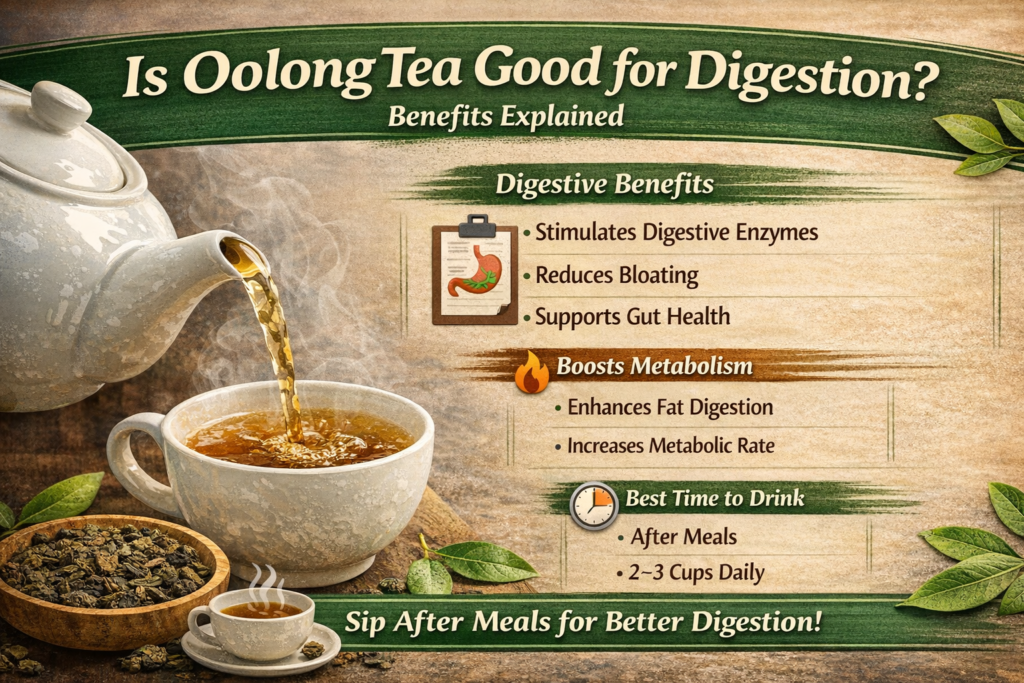
Oolong tea is one of the most unique traditional teas, sitting between green tea and black tea in terms of oxidation and flavor. But beyond its rich taste and aroma, many people wonder: is oolong tea good for digestion?
In recent years, scientific research has explored how oolong tea may support gut health, metabolism, and digestive comfort. This article explains the science-backed benefits, how it works in the body, and the best ways to drink it for maximum digestive support.
What Is Oolong Tea?
Oolong tea is a partially fermented tea made from the leaves of the Camellia sinensis plant. Its oxidation level is between green tea and black tea, giving it a balanced profile of antioxidants and caffeine.
Because of this unique processing method, oolong tea contains:
- Polyphenols (antioxidants)
- Mild caffeine
- Theaflavins and thearubigins
- Natural plant compounds that may support gut bacteria
These compounds are believed to contribute to oolong tea benefits for gut health and overall digestive wellness.
Is Oolong Tea Good for Digestion?
Yes, research suggests that oolong tea may support digestion in several ways. It contains antioxidants and mild caffeine that can stimulate digestive enzymes and improve gut function.
Here’s how it may help:
- Stimulates digestive enzyme production
- Supports smoother breakdown of food
- May improve fat digestion
- Promotes gut microbial balance
- Helps reduce inflammation in the digestive tract
Because of these effects, many people find it helpful after meals.
Does Oolong Tea Help with Bloating?
One common question is: does oolong tea help bloating?
Oolong tea may help reduce bloating by:
- Supporting faster digestion
- Reducing inflammation in the gut
- Improving gut motility
- Helping prevent food from sitting too long in the stomach
When digestion slows down, gas and bloating can increase. Since oolong tea can gently stimulate the digestive system, it may ease this discomfort for some individuals.
Oolong Tea for Stomach Problems
Many people use oolong tea for mild digestive discomfort. Oolong tea for stomach problems may be helpful in cases of:
- Heavy meals
- Indigestion
- Mild bloating
- Sluggish digestion
However, if you have a chronic digestive disorder, it’s important to consult a healthcare professional before using it regularly.
Oolong Tea Benefits for Gut Health
One of the most exciting areas of research involves oolong tea benefits for gut health.
Oolong tea contains polyphenols that may:
- Support healthy gut bacteria
- Encourage the growth of beneficial microbes
- Improve nutrient absorption
- Reduce harmful bacteria growth
- Support a balanced gut microbiome
A healthy gut microbiome is essential for digestion, immunity, and even mental well-being.
Does Oolong Tea Improve Metabolism and Digestion?
Yes, studies suggest that does oolong tea improve metabolism and digestion is a valid question with promising evidence.
Oolong tea may:
- Increase metabolic rate
- Support fat oxidation
- Improve digestive enzyme activity
- Enhance overall digestive efficiency
Its mild caffeine content can stimulate both energy levels and digestive movement, creating a dual benefit.
Oolong Tea After Meals Benefits
Drinking oolong tea after meals benefits digestion in several ways:
- Helps break down fats
- Reduces post-meal heaviness
- Supports smoother digestion
- May prevent bloating
- Encourages better nutrient processing
Many traditional cultures drink oolong tea after large meals for this reason.
However, avoid drinking it immediately during meals if you have a sensitive stomach — waiting 20–30 minutes may be ideal.
Oolong Tea vs Green Tea for Digestion
When comparing oolong tea vs green tea for digestion, both have digestive benefits.
Green tea:
- Higher in catechins
- Strong antioxidant profile
- May be slightly more stimulating
Oolong tea:
- Partially fermented
- May be gentler on some stomachs
- Balanced caffeine level
- Unique polyphenol profile
Some people find oolong tea easier to tolerate than green tea, especially if they experience stomach sensitivity.
Best Time to Drink Oolong Tea for Digestion
The best time to drink oolong tea for digestion is:
- After meals (especially heavy meals)
- Mid-morning
- Early afternoon
Avoid drinking it late at night due to its caffeine content, which may affect sleep.
For digestive support, drinking it 20–30 minutes after eating is often recommended.
How Much Oolong Tea Should I Drink Daily?
How much oolong tea should I drink daily?
For most healthy adults, 2–3 cups per day is generally considered safe.
This amount may provide:
- Digestive support
- Antioxidant benefits
- Metabolic enhancement
However, if you are sensitive to caffeine, start with 1 cup per day and observe how your body responds.
Oolong Tea for IBS Symptoms
Many people ask about oolong tea for IBS symptoms.
IBS (Irritable Bowel Syndrome) can involve bloating, cramping, and irregular bowel movements. Oolong tea may help some individuals by:
Supporting digestion
Reducing inflammation
Improving gut microbiome balance
However, caffeine can sometimes trigger symptoms in sensitive individuals. If you have IBS, introduce it slowly and monitor your response.
Does Oolong Tea Help Bloating? (Detailed Insight)
Again, does oolong tea help bloating depends on the person. It may help by:
Increasing digestive speed
Reducing fluid retention
Supporting healthy gut bacteria
But excessive consumption could cause discomfort due to caffeine. Moderation is key.
Oolong Tea for Stomach Problems: When to Be Careful
While oolong tea for stomach problems can be helpful, avoid or limit it if you:
- Have severe acid reflux
- Are highly sensitive to caffeine
- Experience stomach irritation on an empty stomach
If you notice discomfort, try drinking it after food rather than before.
Can Oolong Tea Cause Stomach Irritation?
Yes, in some sensitive individuals, caffeine may cause mild irritation — especially if consumed on an empty stomach.
To reduce this risk:
- Drink it after meals
- Avoid strong brewing
- Limit daily intake
- Choose high-quality loose-leaf tea
The answer depends on the individual. Some people find oolong tea soothing, while others sensitive to caffeine may experience discomfort.
If you have acid reflux:
- Try small amounts
- Avoid drinking on an empty stomach
- Observe your body’s reaction
Who Should Avoid Drinking Oolong Tea?
Certain groups should be cautious:
- People sensitive to caffeine
- Pregnant or breastfeeding women (consult a doctor)
- Individuals with severe digestive disorders
- Those with sleep issues
Always consult a healthcare professional if unsure.
Is oolong tea good for digestion?
Yes, oolong tea may support digestion because it contains antioxidants and mild caffeine that can stimulate digestive enzymes and improve gut function.
Does oolong tea help with bloating?
Oolong tea may help reduce bloating by promoting smoother digestion and reducing inflammation in the digestive tract.
Can I drink oolong tea after meals?
Yes, drinking oolong tea after meals can help break down fats and support smoother digestion.
How does oolong tea improve gut health?
Oolong tea contains polyphenols that may support healthy gut bacteria and improve nutrient absorption.
Is oolong tea better than green tea for digestion?
Both teas are beneficial, but oolong tea has a unique fermentation process that may make it gentler on the stomach for some people.
How many cups of oolong tea should I drink daily?
2–3 cups per day is generally considered safe for most healthy adults.
Can oolong tea cause stomach irritation?
In some sensitive individuals, the caffeine content may cause mild irritation if consumed on an empty stomach.
Is oolong tea good for acid reflux?
It depends on the person. Some may find it soothing, while others sensitive to caffeine may experience discomfort.
Does oolong tea boost metabolism and digestion together?
Yes, oolong tea may help increase metabolism while also supporting digestive efficiency.
Who should avoid drinking oolong tea?
People sensitive to caffeine, pregnant women, or those with severe digestive disorders should consult a healthcare professional before regular consumption.
Final Thoughts
So, is oolong tea good for digestion? The evidence suggests yes — when consumed in moderation.
With its unique blend of antioxidants, polyphenols, and mild caffeine, oolong tea may:
- Support gut health
- Reduce bloating
- Improve metabolism
- Aid digestion after meals
- Promote balanced gut bacteria
For best results, drink 2–3 cups daily, preferably after meals, and choose high-quality tea.
If you’re looking for a natural way to support your digestive system, oolong tea may be a simple and effective addition to your daily routine.